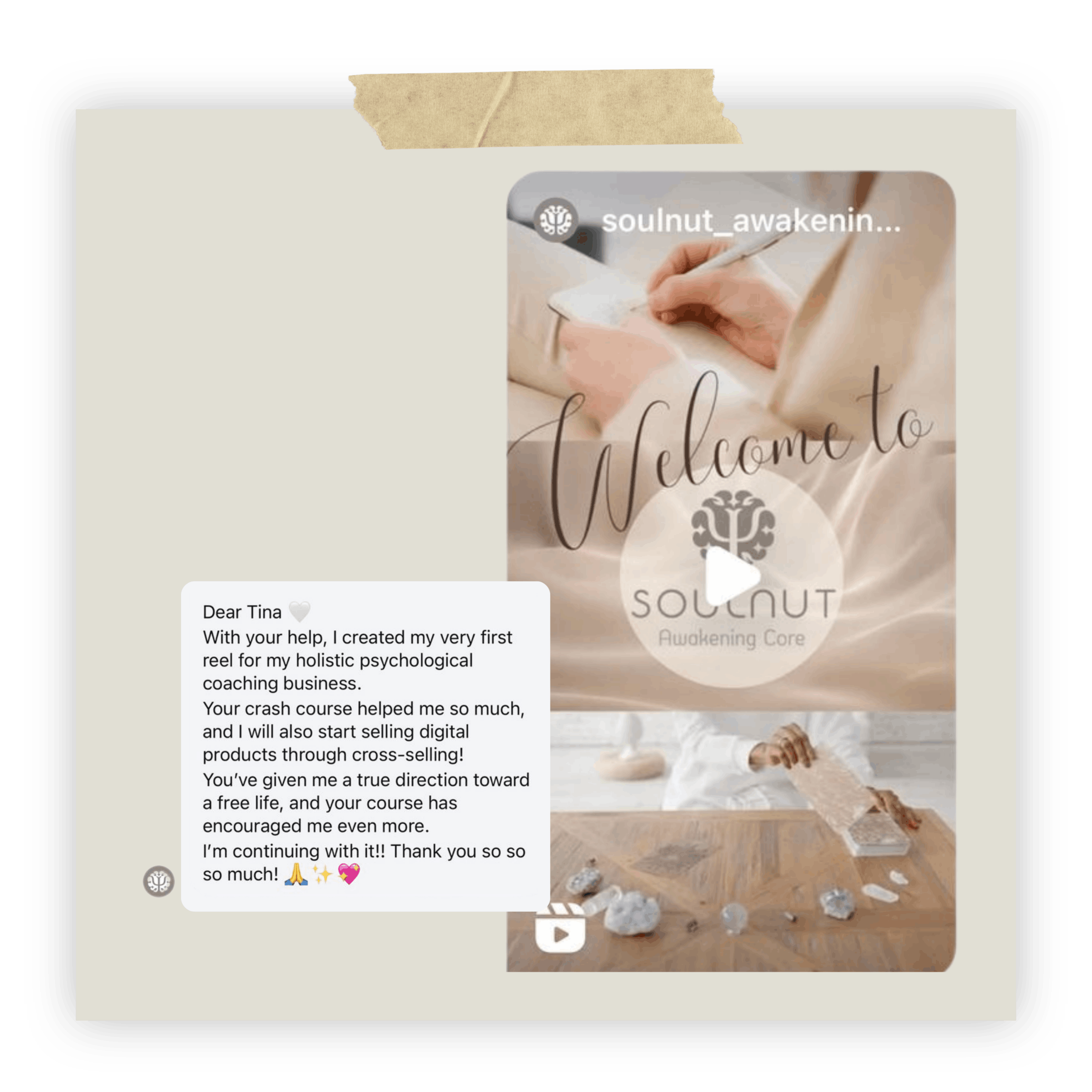
Created Her First Reel
Put her new Canva skills to work for her coaching business.
Canva Made Easy Community
Learn my favourite Canva hacks with short videos and ready-to-use templates. Get feedback on your designs and build confidence inside our supportive community.
$7/monthHosted on SkoolBeginner-friendly
Canva Hacks in Action
Real projects and feedback from students putting my Canva training into practice.
Put her new Canva skills to work for her coaching business.
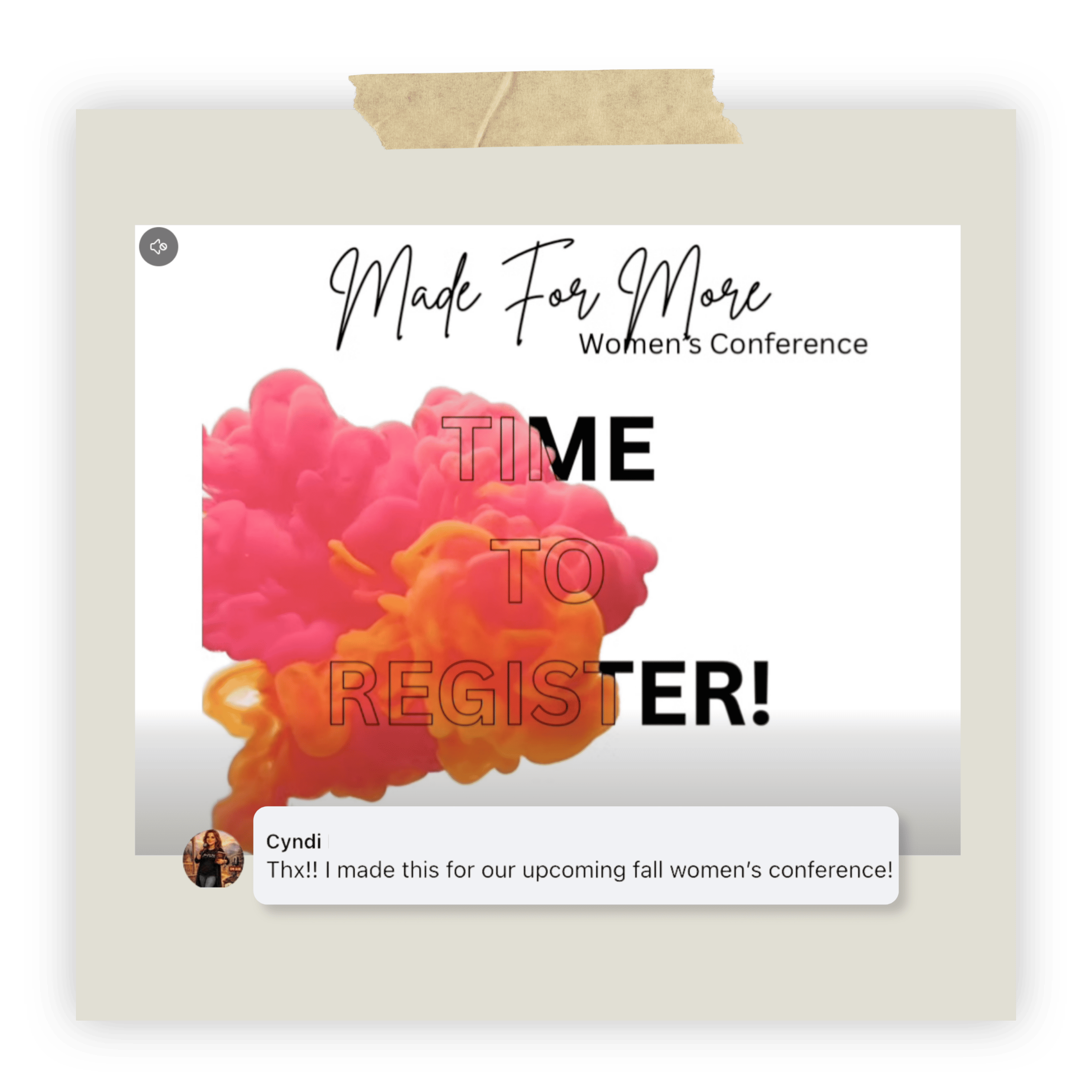
Created a promotional design for her women’s event.
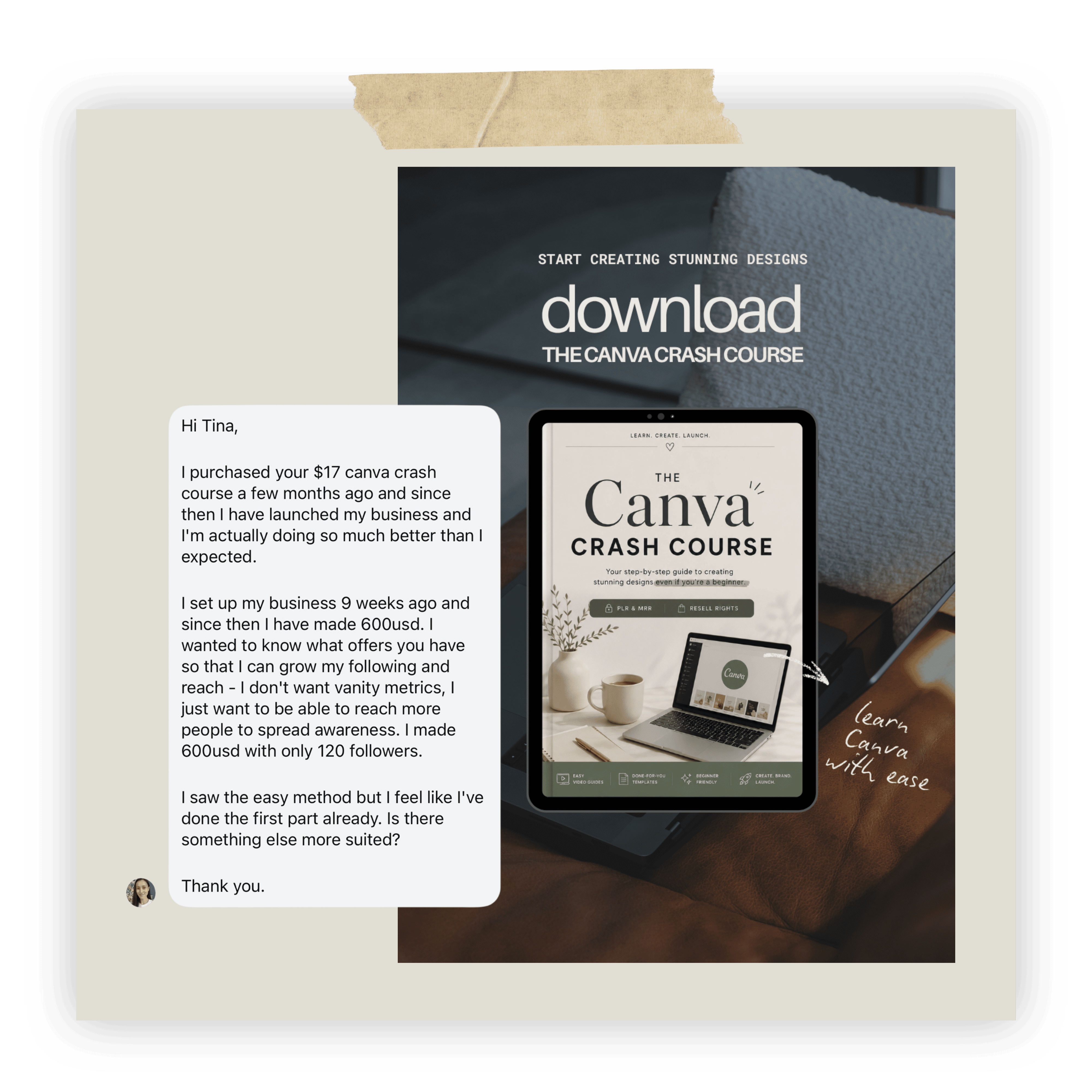
Shared her first business wins after putting the training into practice.
You open Canva to make one thing. An hour later, you’re still clicking around, jumping between tutorials and wondering which step you missed.
My short videos break down one Canva hack at a time, so you can put it straight to work. Start with a ready-to-use template, make it your own, and share your design when you want feedback.
That’s what I’ve brought together in Canva Made Easy: practical shortcuts, templates and a community to help you keep going.
Watch a short video that shows you what to do, one step at a time.
Use a template or try the hack on a design you’re already working on.
Show your work, ask questions and get guidance on your next step.
Inside Canva Made Easy
My favourite Canva hacks, templates you can make your own, and a community to help you put it all into practice.
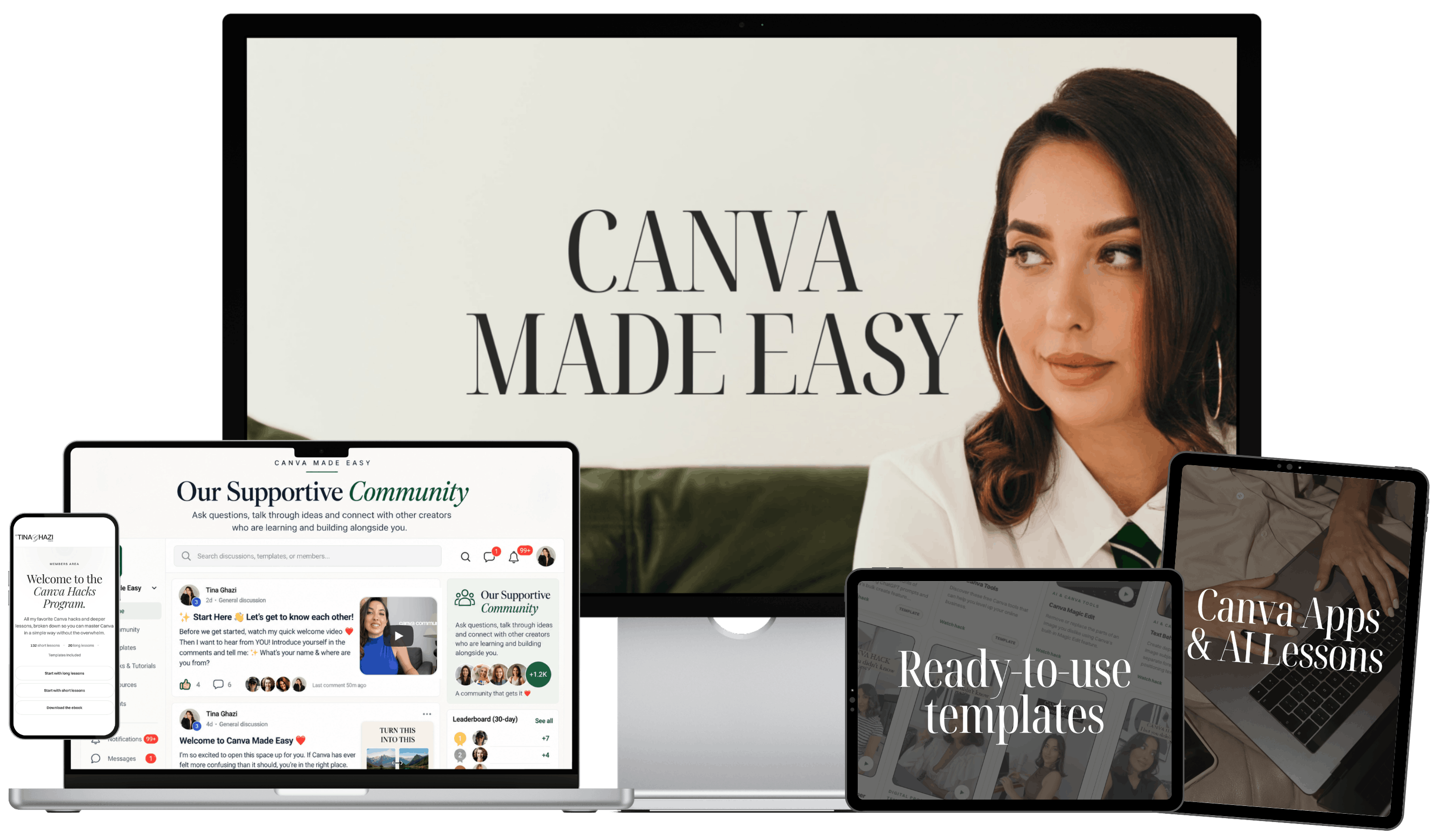
What’s Included with Your Membership
Learn the quick hacks I use every day so you can create content faster and more easily.
Create polished designs with easy-to-customise templates, even if design doesn’t come naturally to you.
Know what to improve so you can stop second-guessing and feel confident sharing your designs.
Get help when you’re stuck, share your wins and stay motivated alongside other creators.
Simplify your workflow and save time creating content with Canva apps and AI.
Canva Made Easy Membership
Normal price: $97
$7 / month
Learn a hack, create something you love, and get support along the way.
Monthly membership · Community hosted on Skool
Put Your Canva Hacks to Work
Use my Canva hacks and templates to bring your ideas to life, with our community there when you need a little guidance.
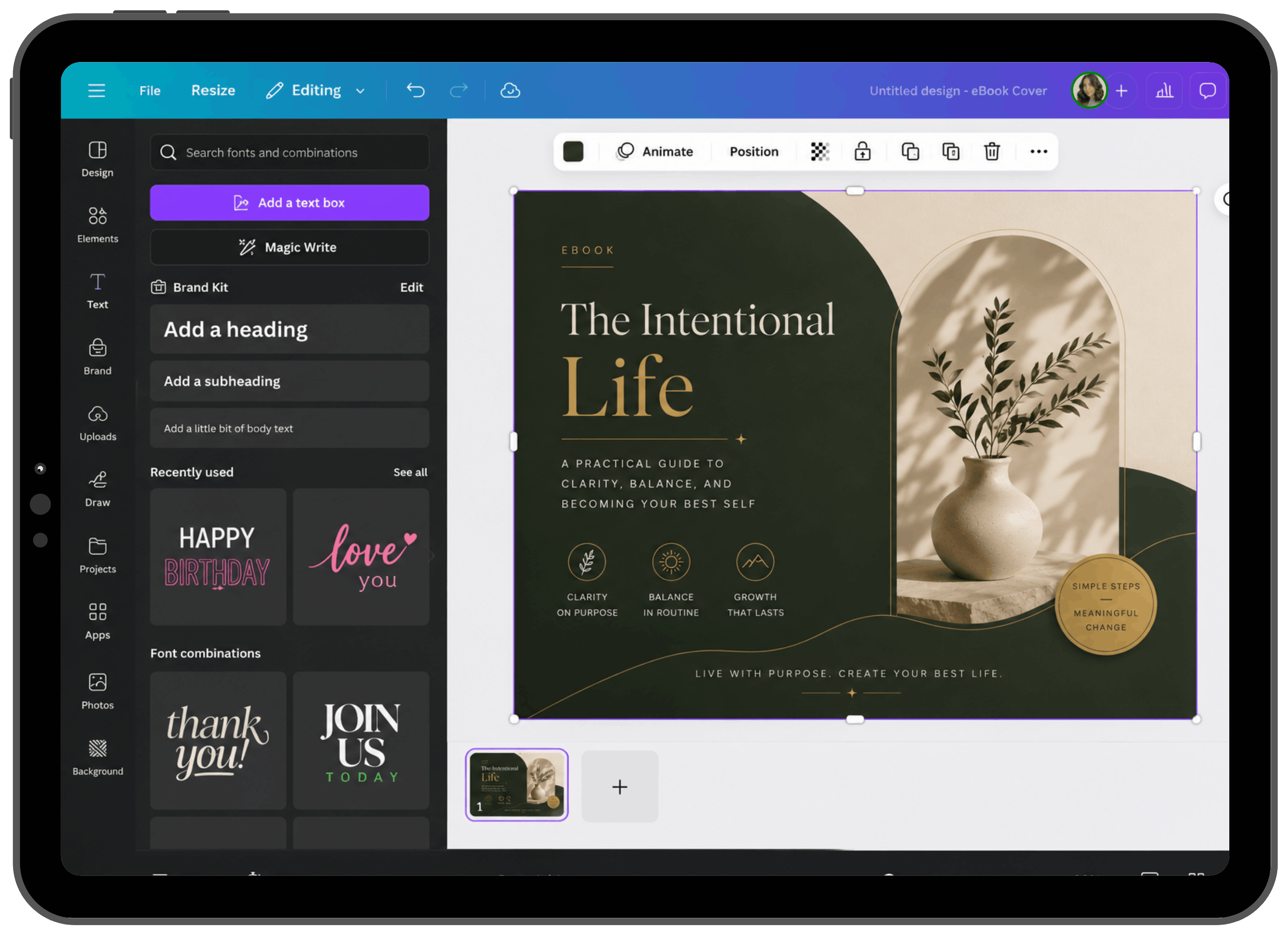
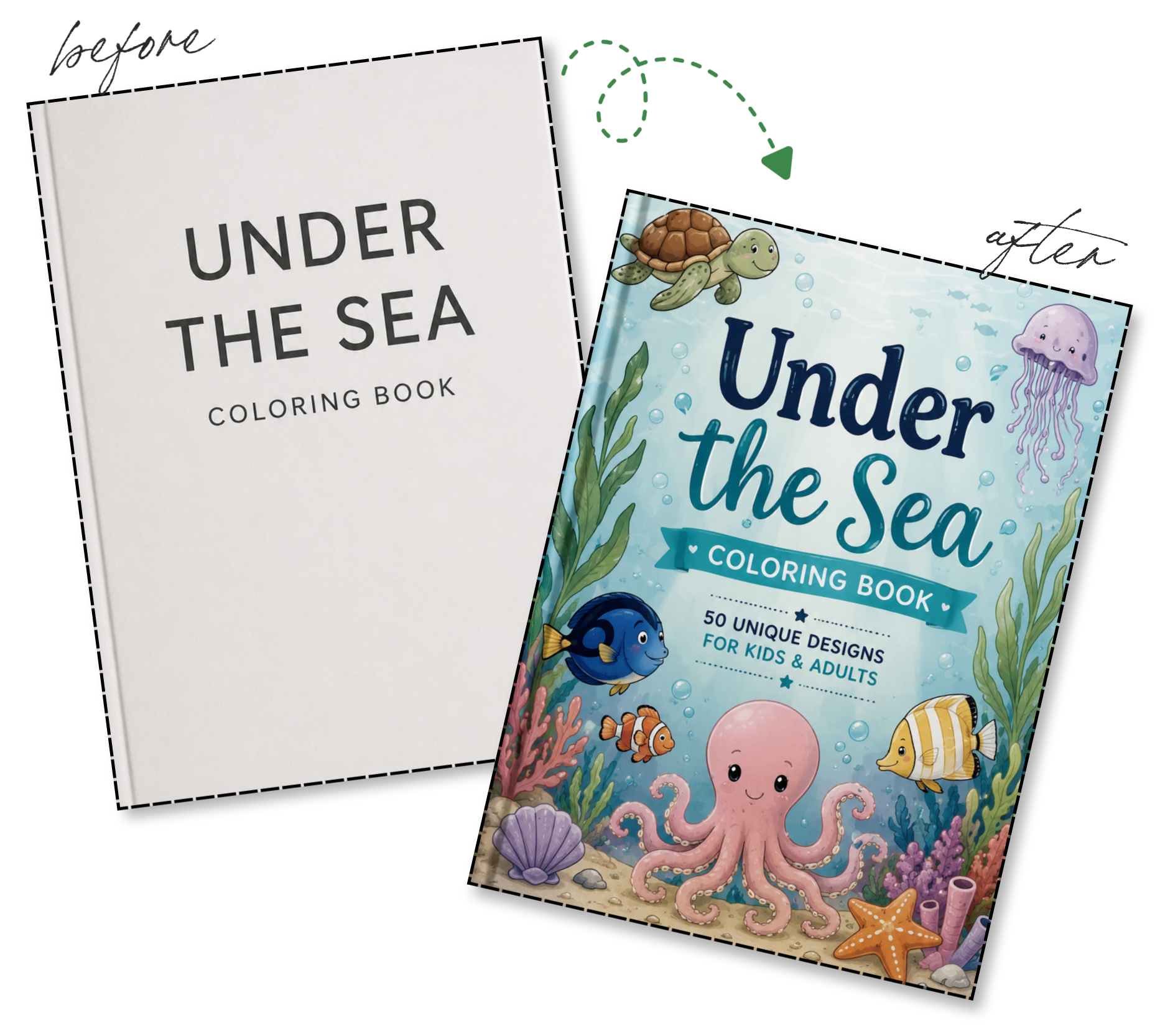
Design covers for your ebooks, workbooks and digital products.
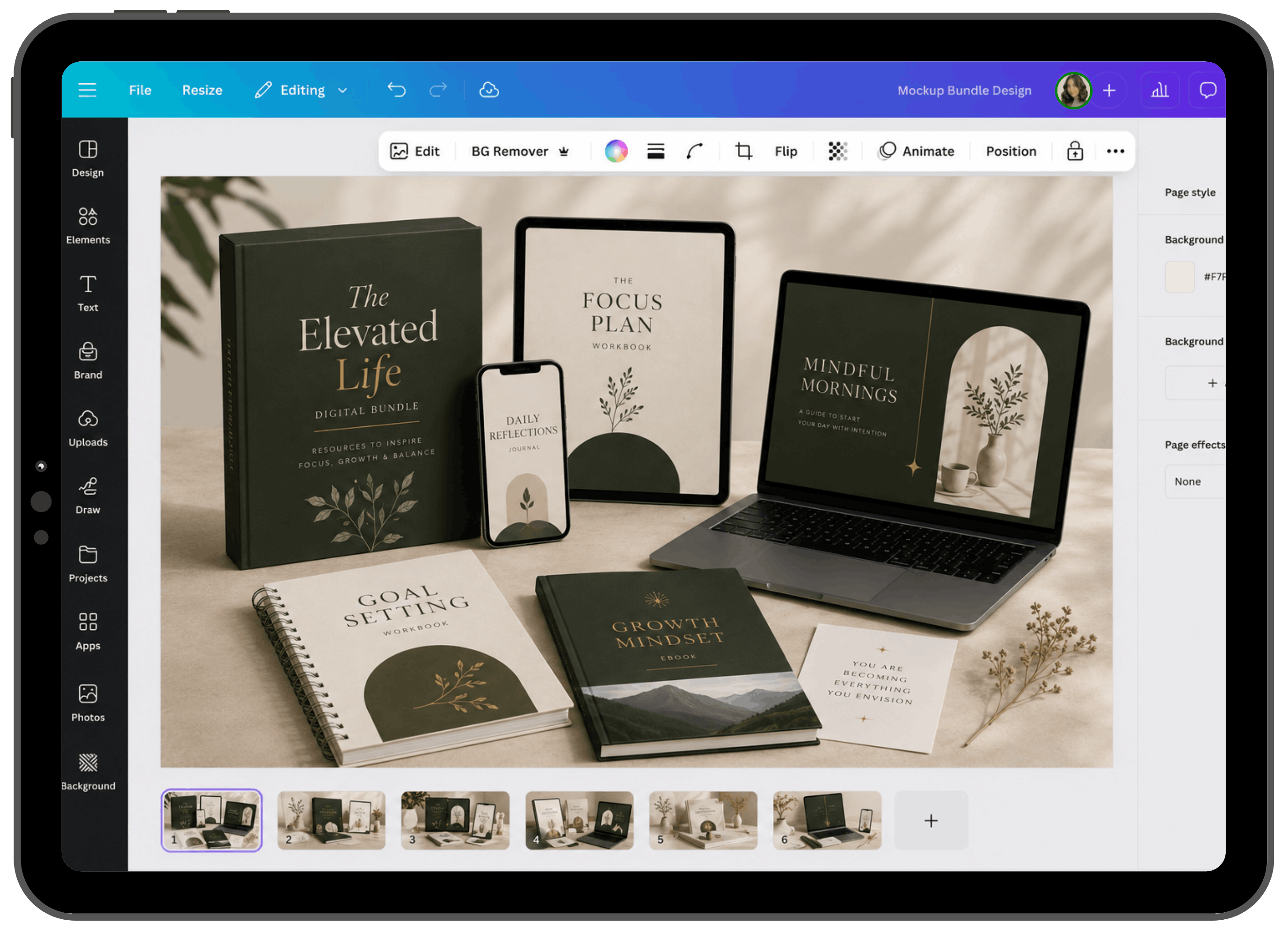
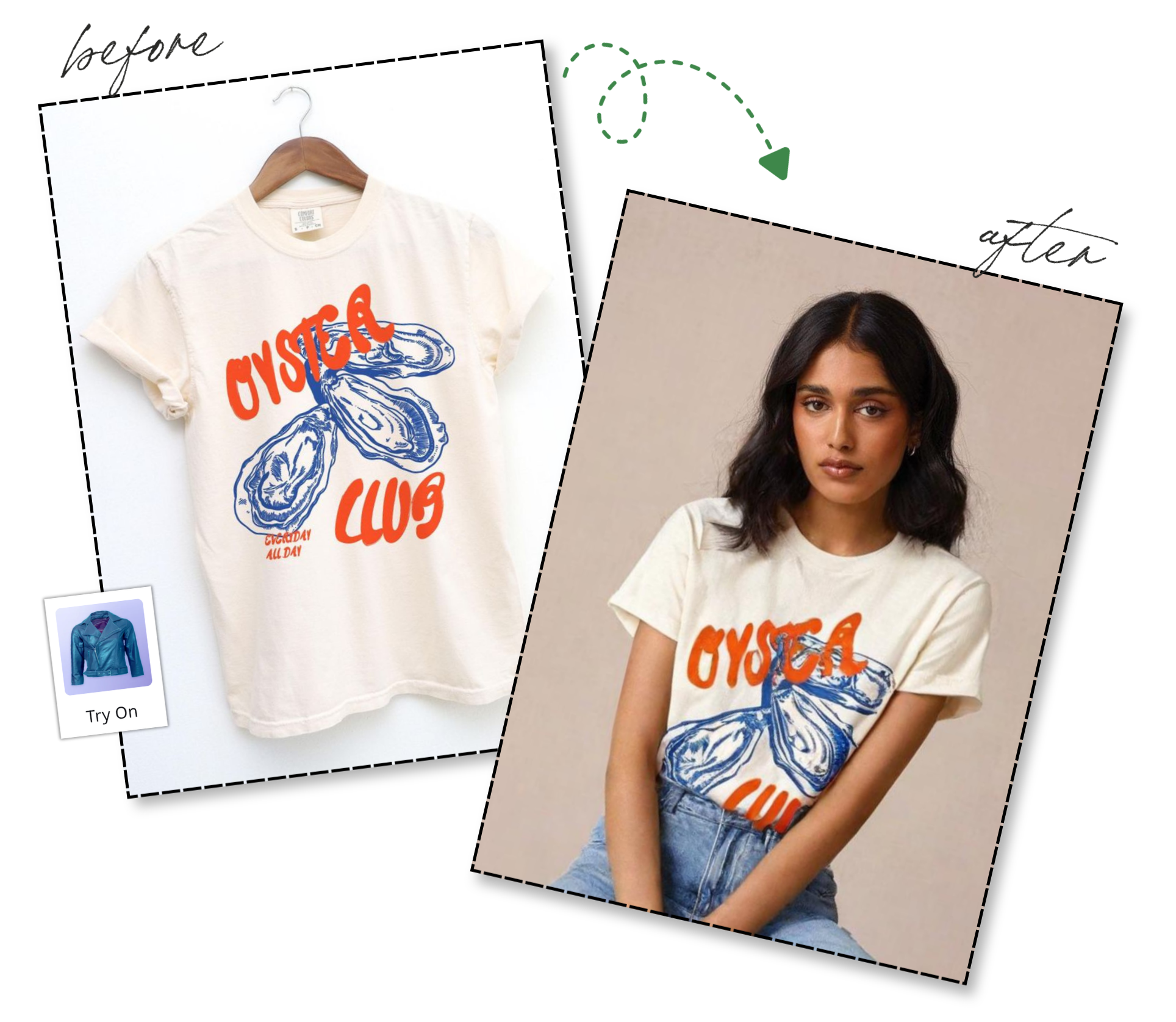
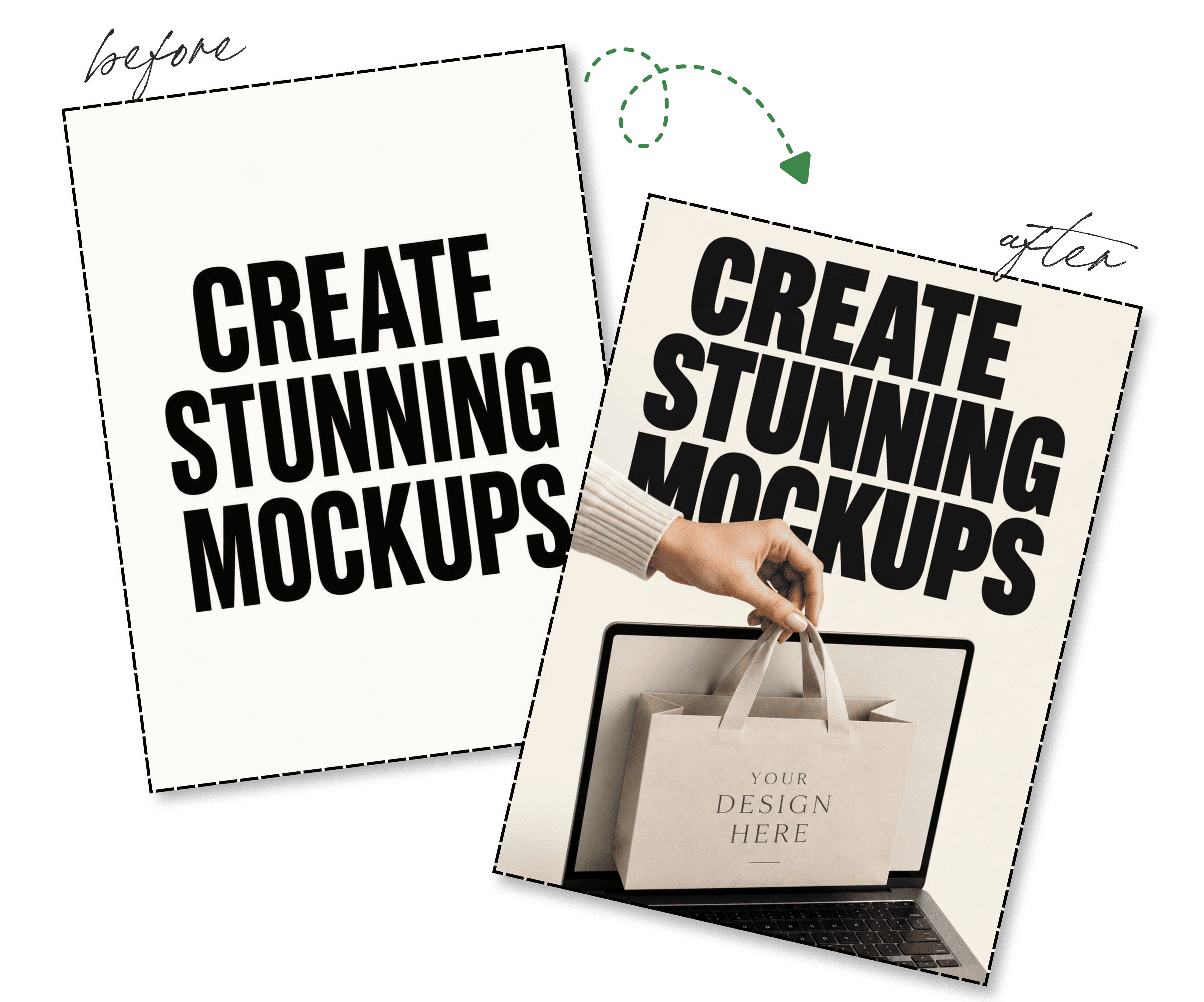
Show your creations on books, screens and realistic product displays.
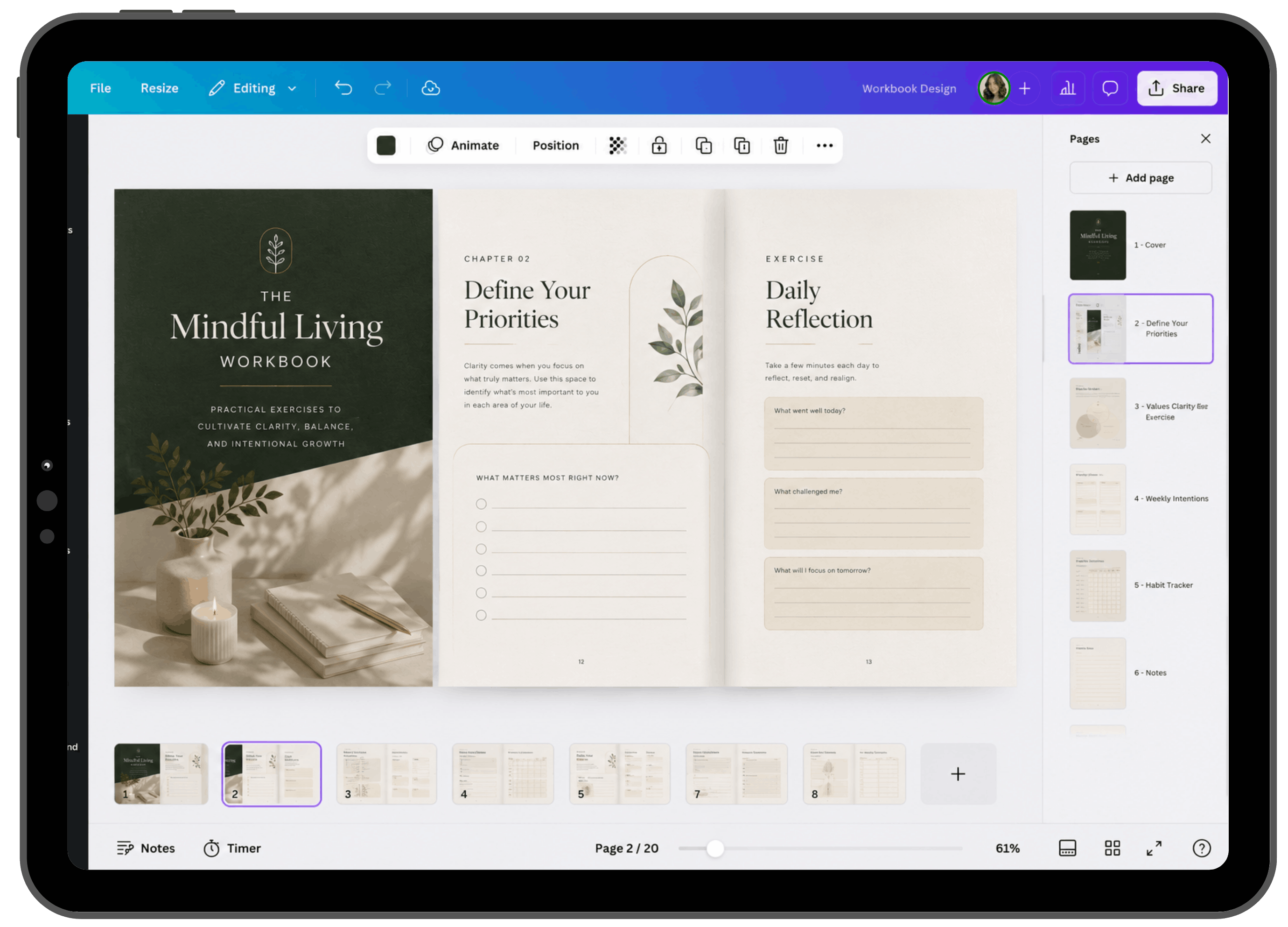
Create useful planners, worksheets and workbooks with a polished finish.
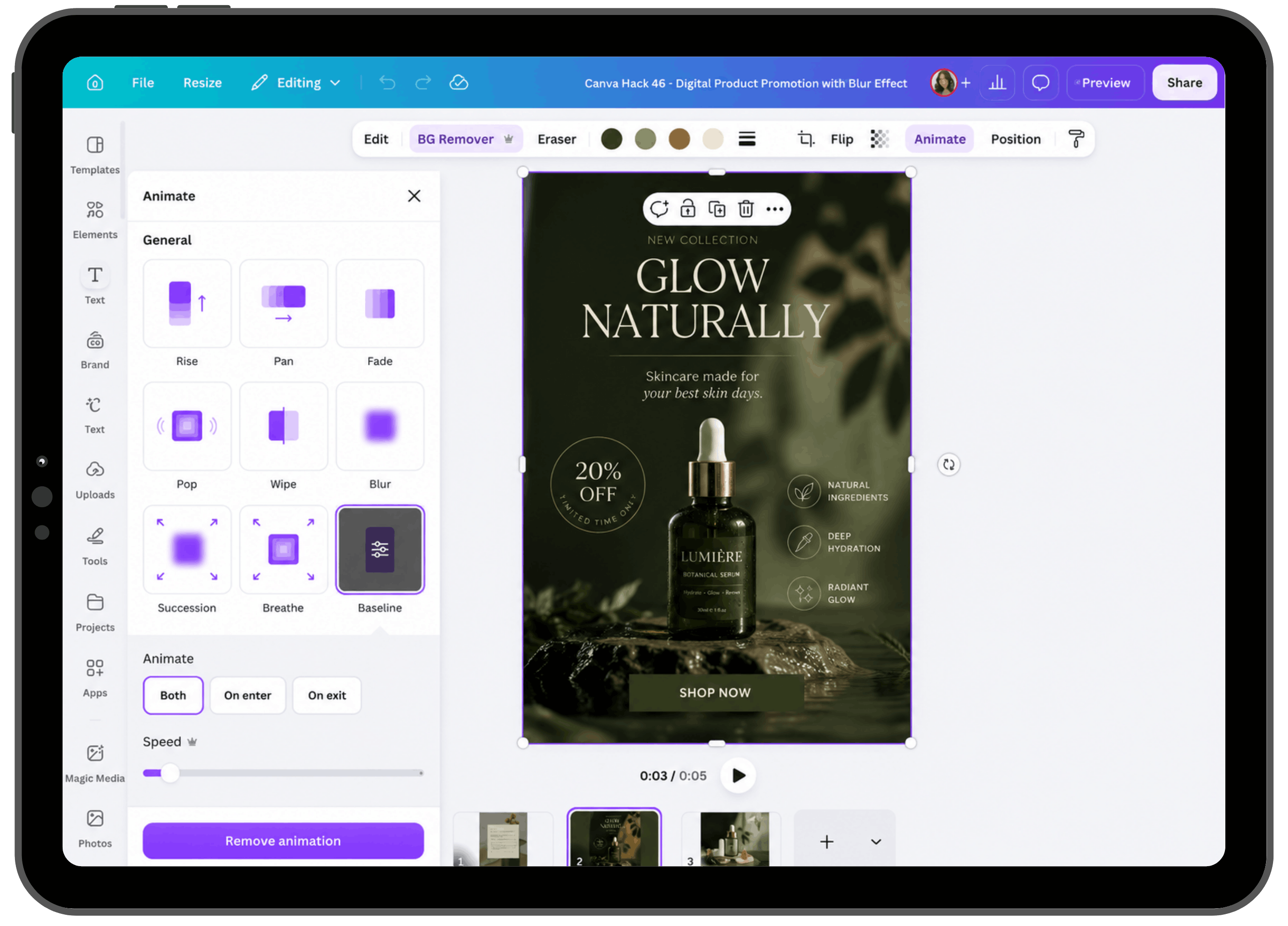
Explore simple animation and effects for content that feels like you.
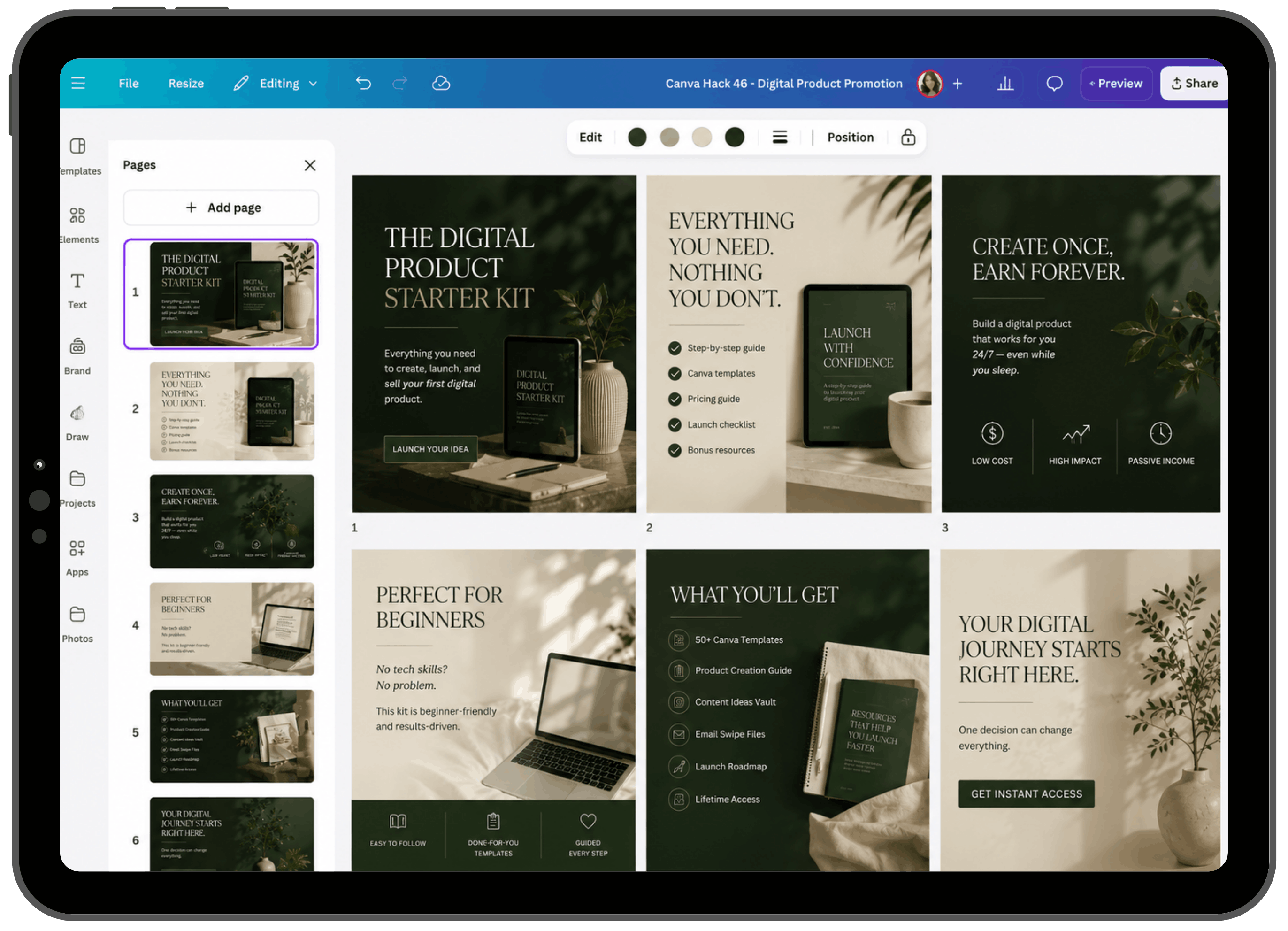
Turn your ideas into thoughtful, easy-to-follow carousel posts.
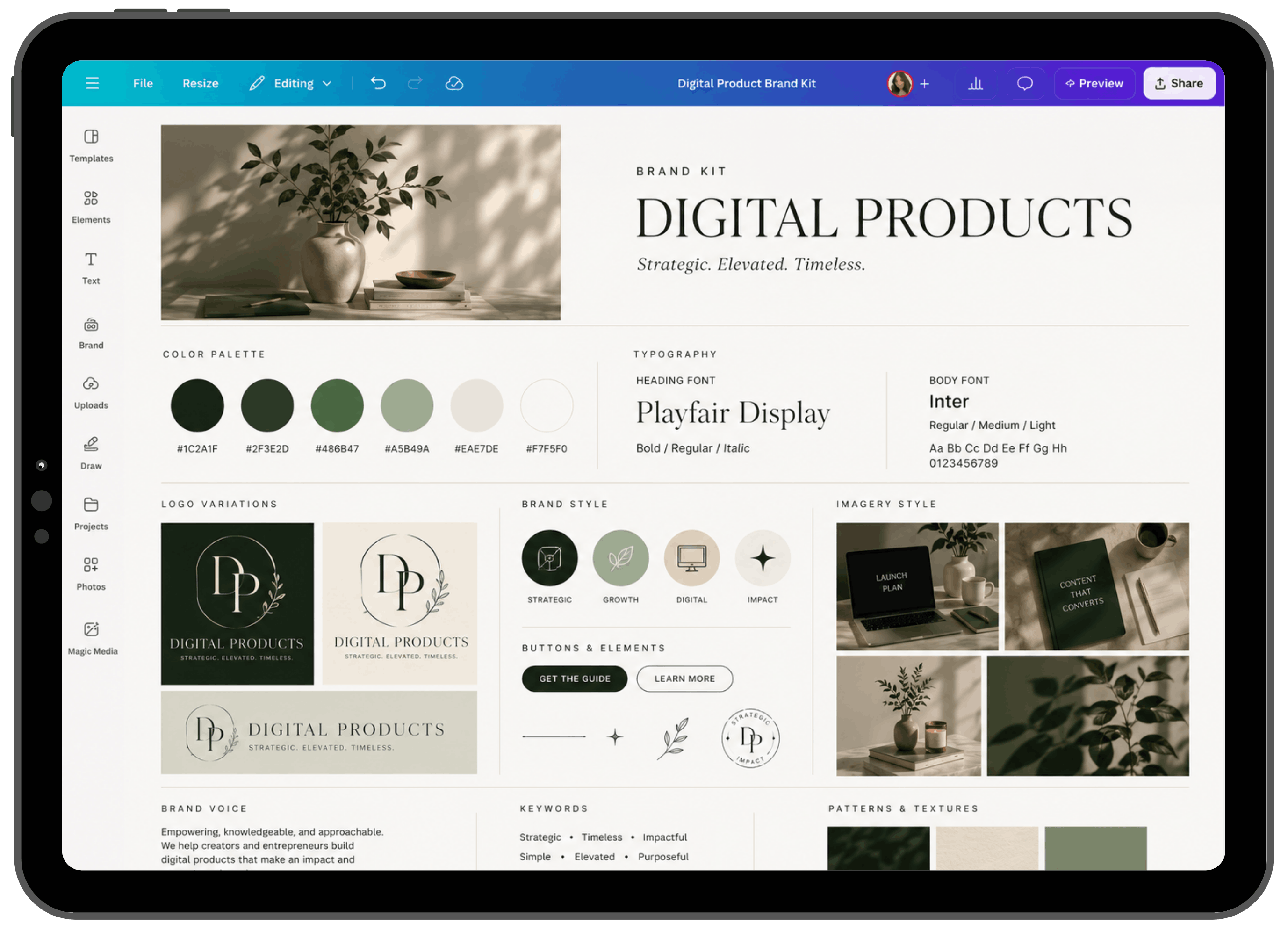
Bring your colours, fonts and layouts together for a consistent look.
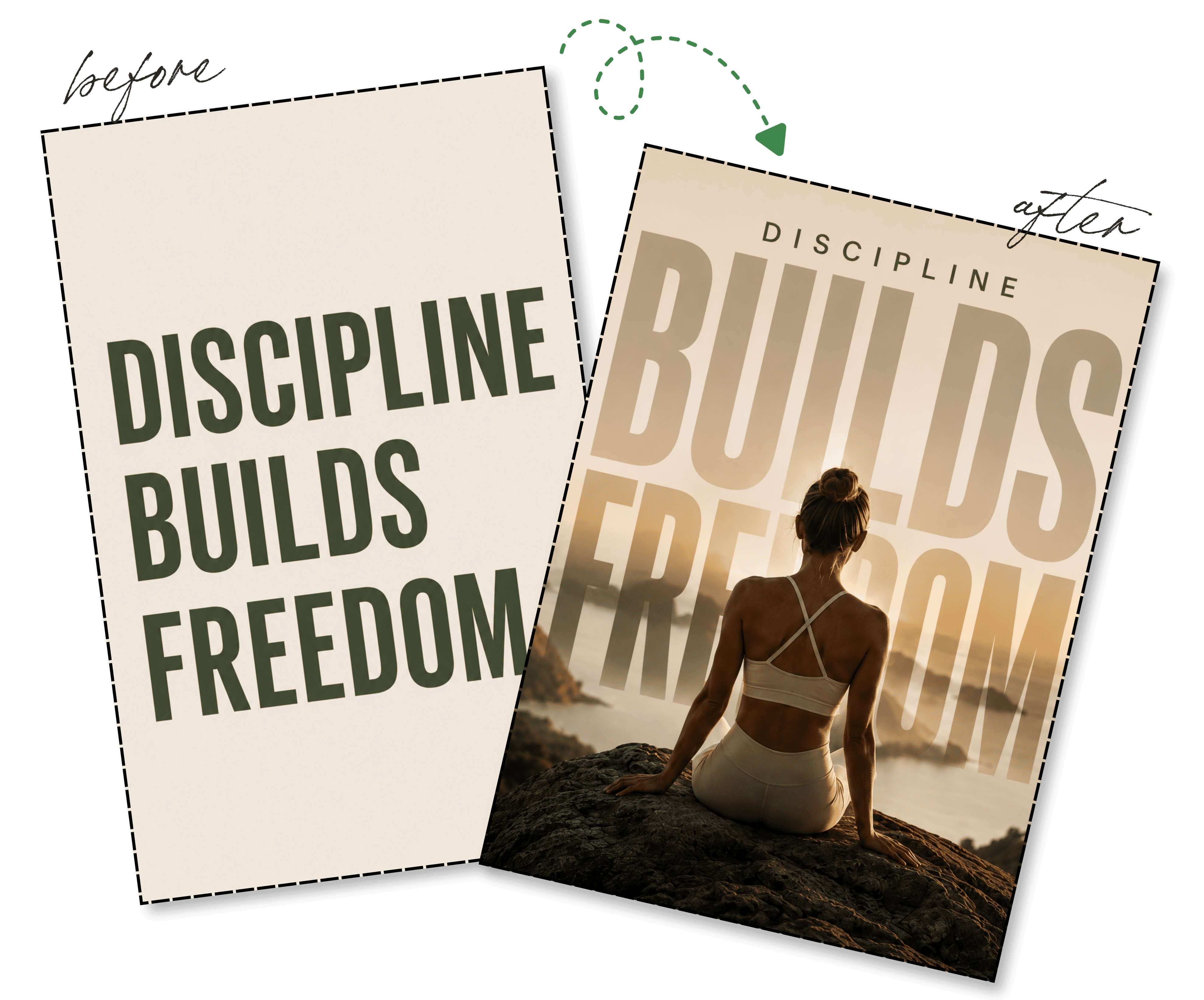
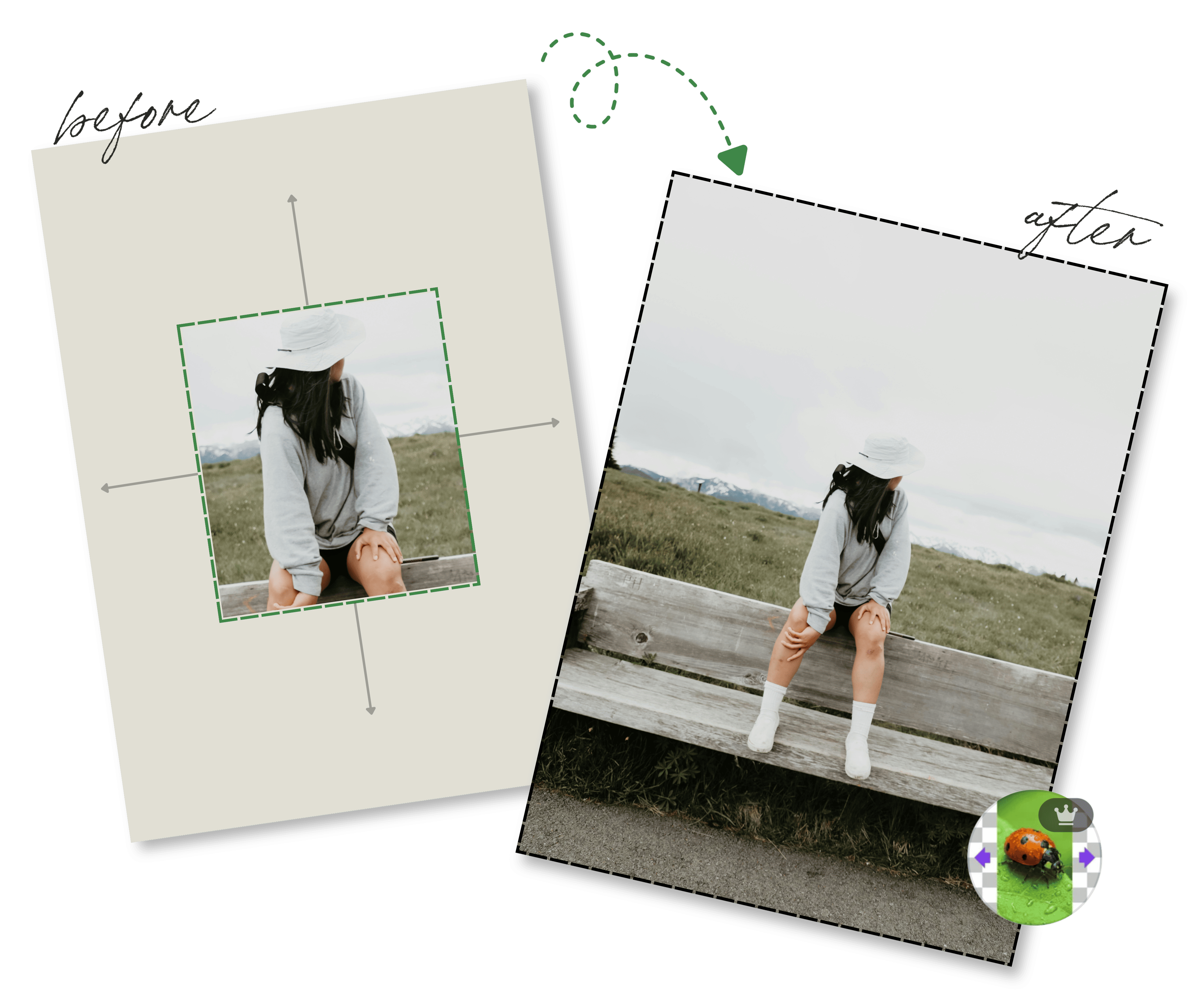
Before & After
From text effects to product mockups, explore a few ways to give your designs a more polished finish.

From My Students
From their first designs to trying new Canva hacks, here’s what my students have shared.

Try It for Yourself
Watch this short video and try it on your own design. Join our community for more of my favourite hacks, templates and support when you need it.
A Few Things You Might Be Wondering
It’s for business owners, content creators and creative minds who want to feel more confident using Canva. You can join as a complete beginner or build on the skills you already have.
You get my short Canva hack videos, ready-to-use templates, Canva apps and AI lessons, plus access to our community for personalised feedback and creative guidance.
You can share your work, ask questions and get feedback on what to improve. My videos and templates give you a place to start, and our community gives you somewhere to turn as you put them into practice.
Share the Canva designs you’re working on, such as content, branding, product covers or workbooks. Tell the community what you’re trying to create and where you feel stuck so the feedback can help you move forward.
Canva Made Easy is $7 per month. Follow the joining steps to review the membership terms before subscribing.
This membership includes our community, my training, templates and creative guidance. Any Canva subscription is separate.
My short Canva hack videos focus on practical techniques you can try as you watch. Choose one that helps with your current project, use a template for a starting point, and ask questions in our community when you get stuck. You can learn at your own pace.
Select “Join Canva Made Easy” and enter your email in the form. Follow the next steps to complete your membership and access our community on Skool.
Learn my favourite hacks, make a template your own, and come share what you create with us.
$7/month · Join our Canva Made Easy community on Skool